YouTube Thumbnail Maker
Click-worthy thumbnails from a title — no design skills needed
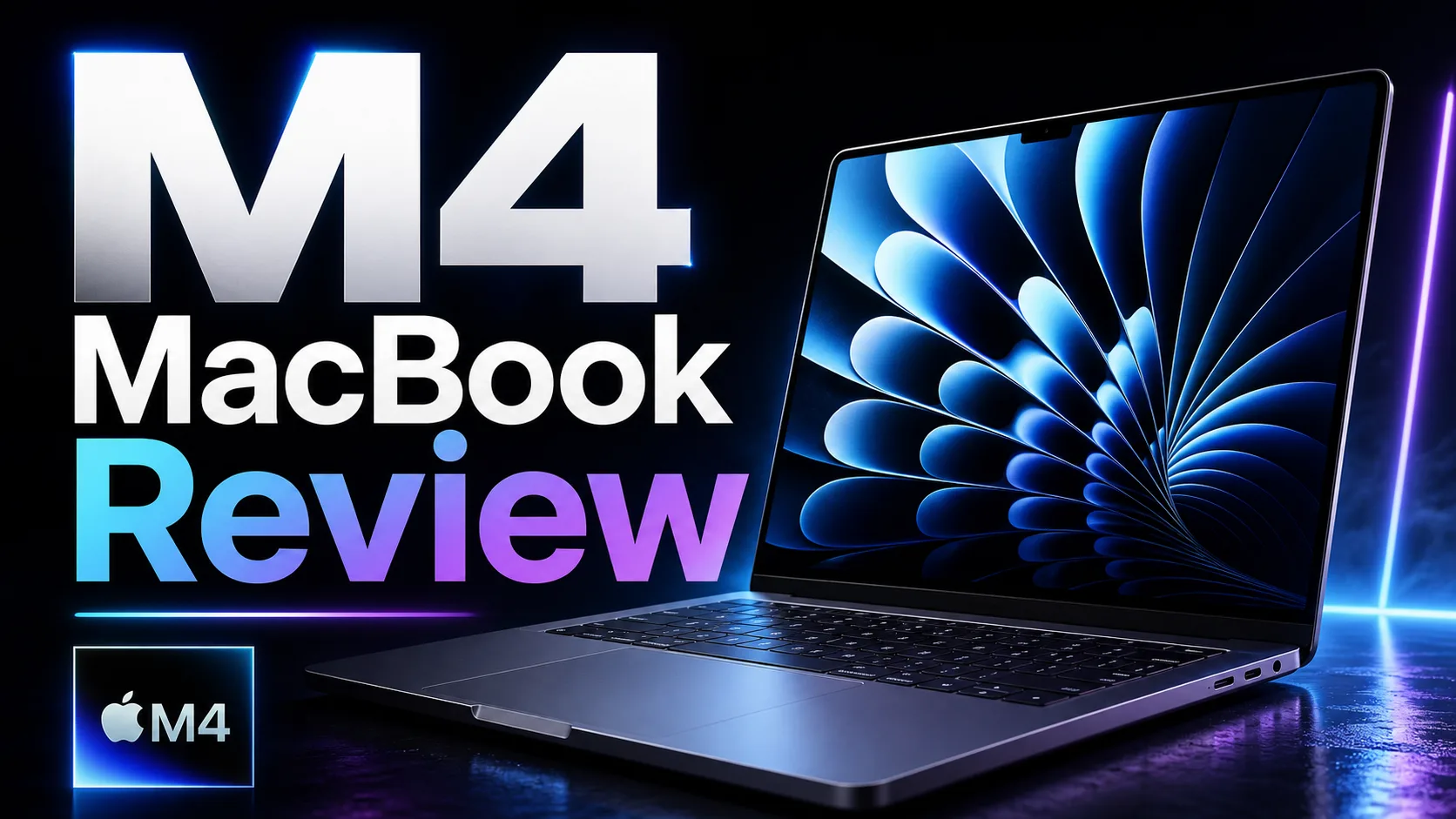
Generate bold, high-CTR YouTube thumbnails with AI. Type your video title, pick a style, optionally add your face photo — and get a 16:9 thumbnail with large readable text in seconds.
Your face or a video screenshot (optional)
8 credits per image
Click-worthy thumbnails from a title — no design skills needed
Examples


How it works
- 1Type your video title and, optionally, a sentence about the video.
- 2Pick a style — bold creator, clean, tech, or educational — and add your face photo if you want to appear in the thumbnail.
- 3Hit Generate and download your 16:9 thumbnail, ready to upload to YouTube.